
5 Awesome CloudBeaver Alternatives
 Yulei Chen
CloudBeaver is a web-based database management tool built by the DBeaver team. It gives you a browser-based SQL editor, data viewer, and admin panel for 20+ databases including MySQL, PostgreSQL, Oracle, and SQL Server. The Community Edition is free and open source, while the Enterprise Edition starts at around $200/user/year (minimum 5 users, so $1,000/year) and adds support for 80+ databases, a visual query builder, AI assistant, SSO, and more.
If you want full control over your data without the Enterprise price tag, you can self-host CloudBeaver Community on Sliplane for just €9/month per server. Check out our easy deploy guide to get started in minutes.
But maybe CloudBeaver isn't the right fit for your use case. Maybe you need something lighter, more database-specific, or focused on team workflows. Here are 5 awesome alternatives worth checking out.
1. Adminer

Adminer is a full-featured database management tool packed into a single PHP file. Where CloudBeaver is a full Java web server with a React frontend, Adminer is just one ~470KB file you drop onto any PHP-capable server. It supports MySQL, MariaDB, PostgreSQL, SQLite, MS SQL, Oracle, Elasticsearch, and MongoDB out of the box.
- Features: SQL editor with syntax highlighting, table and column management, data browsing and editing, user/permission management, import/export, foreign key support, index management, and a plugin system for extensions.
- Why You Should Use It: If you want the simplest possible database admin tool with zero setup complexity, Adminer is hard to beat. Upload one file, open it in your browser, done. It's 28x smaller than phpMyAdmin while supporting more database types. Security is the #1 development priority, with built-in protection against XSS, CSRF, and SQL injection.
- Why Not: Adminer lacks real-time collaboration features and has no team management capabilities. The UI is functional but dated compared to modern tools like CloudBeaver or DbGate. There's no built-in AI assistant or visual query builder.
- Pricing: Completely free and open source (Apache/GPL v2 license). No paid tiers, no cloud offering. Self-hosting costs only what you pay for the server.
2. DbGate
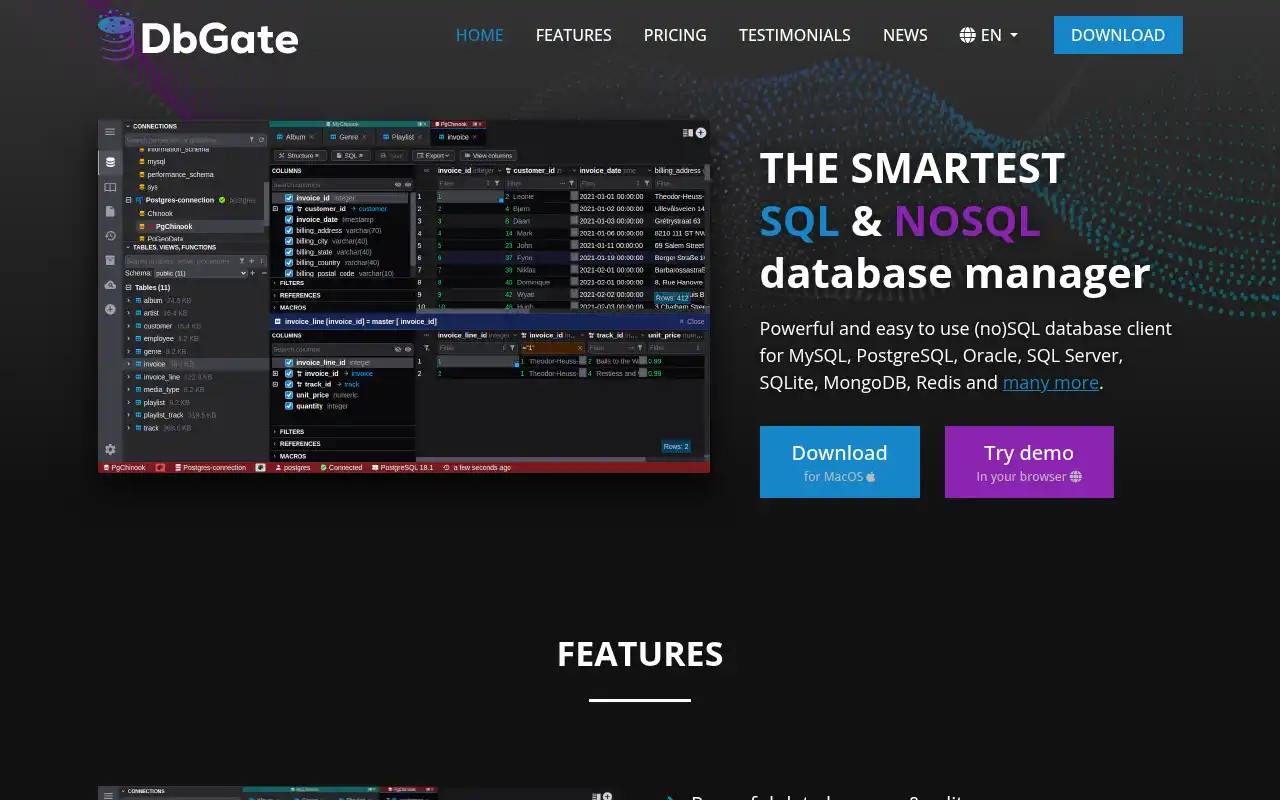
DbGate is a modern, cross-platform database manager that works both as a desktop app and as a web application. It supports SQL databases (MySQL, PostgreSQL, SQL Server, SQLite, MariaDB, CockroachDB) and NoSQL databases (MongoDB, Redis), making it one of the most versatile CloudBeaver alternatives available.
- Features: SQL editor with autocomplete and syntax highlighting, visual query builder, ER diagram viewer, data import/export (CSV, JSON, Excel), database comparison tools, real-time team collaboration, AI assistant, cloud storage for queries and connections, and a plugin architecture.
- Why You Should Use It: If you need both desktop and web access to your databases in a single tool, DbGate is the best option. The Team Premium plan offers real-time co-editing of queries and ER diagrams, shared connections, and role-based permissions. It also handles NoSQL databases (MongoDB, Redis) alongside SQL, which CloudBeaver Community doesn't support.
- Why Not: The most useful features (AI assistant, cloud storage, team collaboration) are locked behind the Premium and Team Premium plans. The free Community edition's web mode has limited cloud features (max 5 connections/files).
- Pricing: Free Community edition with unlimited local connections. Premium at $12/month ($120/year) for individuals. Team Premium at $15/user/month ($150/user/year) for teams. Academic licenses are free. Self-hosting the Community web edition is free via Docker.
3. phpMyAdmin
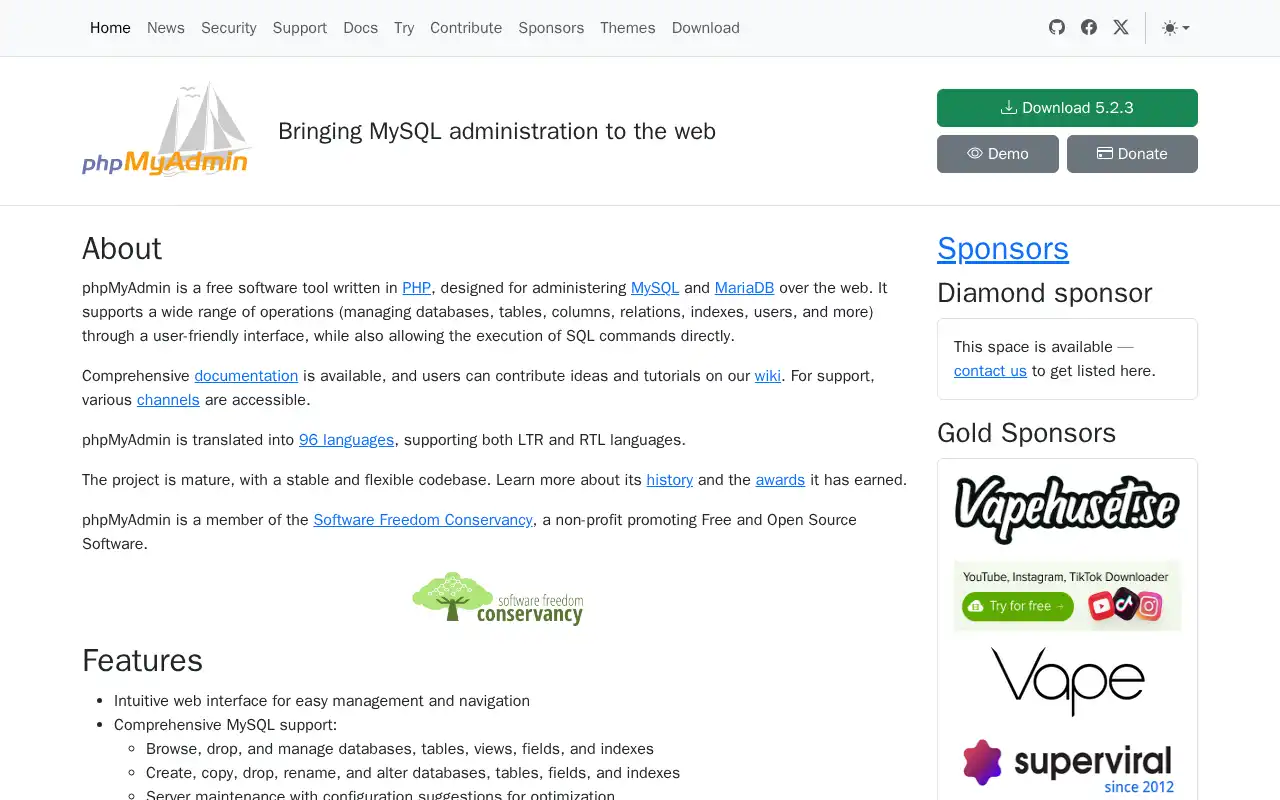
phpMyAdmin is the most widely used web-based MySQL administration tool, bundled with nearly every web hosting provider. It has been the go-to database management interface for over two decades, and its maturity shows in its comprehensive feature set for MySQL and MariaDB.
- Features: Full database, table, and column management, SQL query execution with syntax highlighting, data browsing with inline editing, import/export in multiple formats (SQL, CSV, XML, PDF, LaTeX), user and privilege management, query bookmarks, multi-server support, and 72 language translations.
- Why You Should Use It: If you're working exclusively with MySQL or MariaDB, phpMyAdmin is the most battle-tested tool available. Every web hosting provider includes it, every MySQL tutorial references it, and every MySQL DBA knows it. The documentation and community support are unmatched.
- Why Not: phpMyAdmin only supports MySQL and MariaDB, no PostgreSQL, SQLite, or other databases. It can struggle with very large databases and complex queries. The interface, while functional, feels dated compared to modern alternatives. There's no built-in collaboration or team features.
- Pricing: Completely free and open source (GPL license). No paid plans or cloud offering. Self-hosting is free and straightforward with Docker or any PHP-capable server.
4. pgAdmin
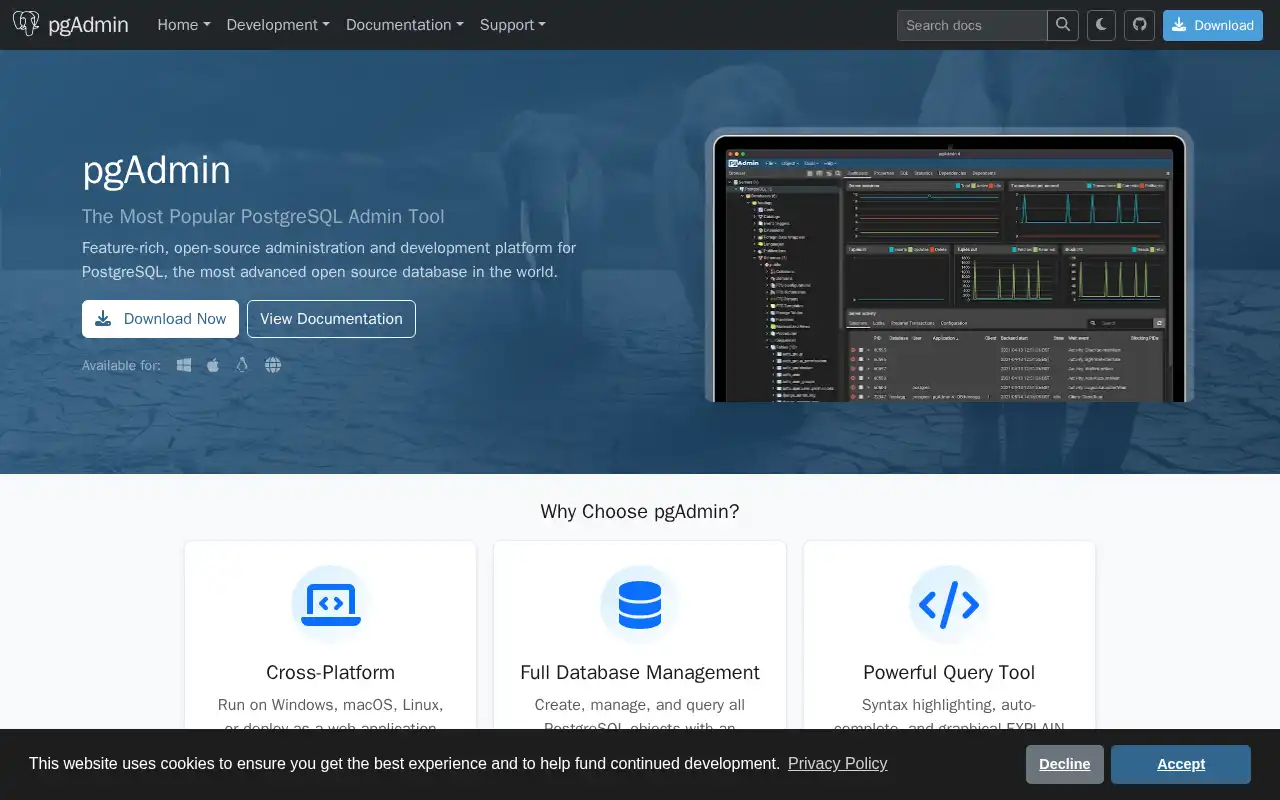
pgAdmin is the most popular open-source administration and management tool for PostgreSQL. It runs as a web application or a desktop app, offering deep PostgreSQL-specific features that general-purpose tools like CloudBeaver simply can't match.
- Features: Full SQL editor with autocomplete and syntax highlighting, graphical EXPLAIN for query optimization, schema diff tool, ERD designer, procedural language debugger (pl/pgsql), auto-vacuum management, monitoring dashboard, backup/restore tools, and an AI assistant in recent releases.
- Why You Should Use It: If PostgreSQL is your database, pgAdmin is purpose-built for it. The graphical EXPLAIN plan, schema diff tool, and pl/pgsql debugger are features you won't find in general-purpose tools like CloudBeaver. It's completely free with no feature gating, and the recent AI assistant additions make it even more powerful.
- Why Not: pgAdmin only supports PostgreSQL, so if you work with multiple database engines, you'll need another tool alongside it. The interface can feel slow and heavy with large databases. It lacks real-time collaboration features for team use.
- Pricing: Completely free and open source (PostgreSQL/Artistic license). No paid tiers. Self-hosting is straightforward with Docker or native packages for all major operating systems.
5. Bytebase
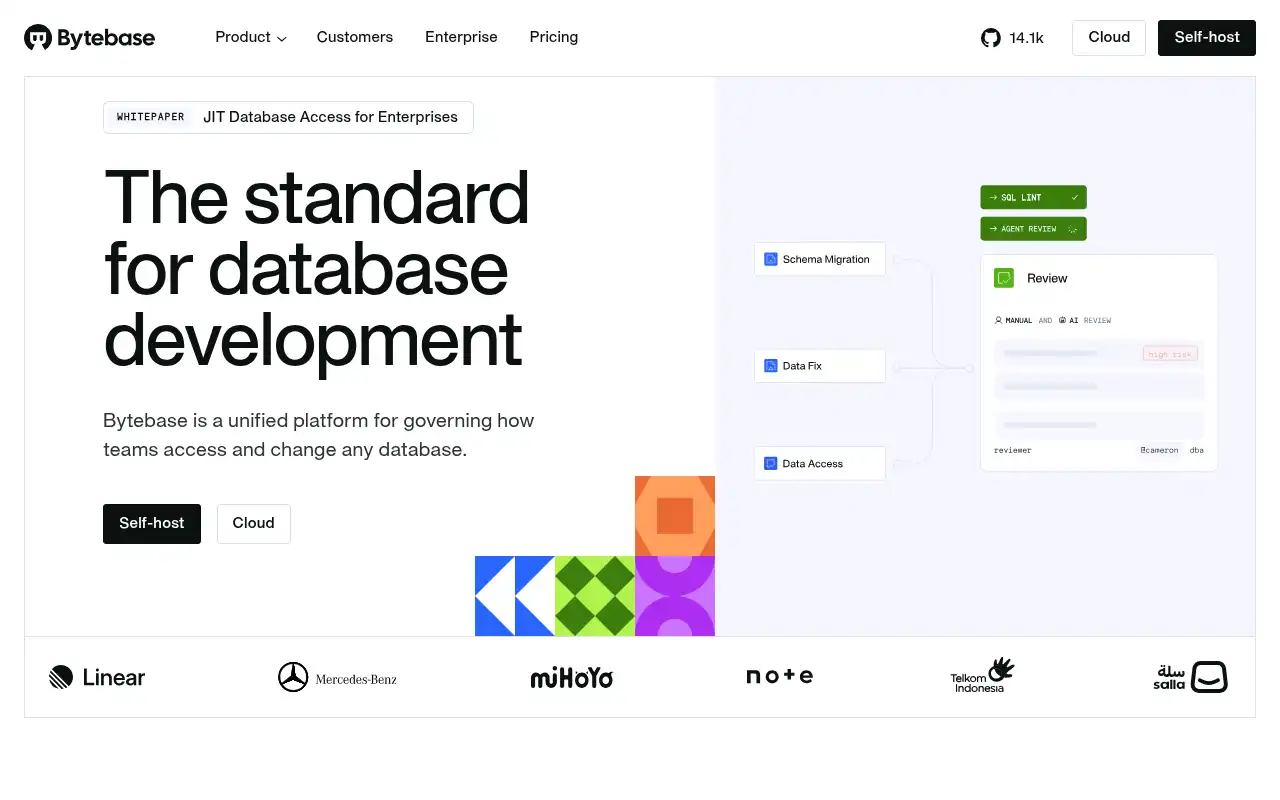
Bytebase takes a completely different approach than CloudBeaver. Instead of being a general-purpose database client, it's a database DevSecOps platform that adds review workflows, approval processes, and audit trails around every database change. Think of it as "GitHub for database migrations."
- Features: Schema change management with review and approval workflows, SQL editor with 200+ lint rules, GitOps integration (GitHub/GitLab), dynamic data masking, fine-grained RBAC, complete audit logging, rollback support, database CI/CD pipelines, and support for 20+ database engines including MySQL, PostgreSQL, SQL Server, Oracle, and Snowflake.
- Why You Should Use It: If your team needs governed database workflows where every schema change goes through code review and approval, Bytebase is the right choice. It fills a gap that CloudBeaver doesn't even try to address: database change management with full auditability. The GitOps integration means schema changes live in your Git repo alongside application code.
- Why Not: Bytebase is not a traditional database client for ad-hoc querying and data exploration. If you just need to browse tables and run quick queries, it's overkill. The Pro plan at $20/user/month adds up quickly for larger teams. The free plan is limited to 20 users and 10 database instances.
- Pricing: Free Community plan (up to 20 users, 10 instances). Pro at $20/user/month with SSO, user groups, and audit logging. Enterprise with custom pricing for advanced features like data masking, custom approval workflows, and SCIM provisioning. Self-hosting is available for all plans.
Conclusion
| Tool | Best For | Ease of Setup | Focus | Cloud Pricing |
|---|---|---|---|---|
| CloudBeaver | Multi-database web client | Moderate | General database management | Enterprise ~$200/user/yr; Community free |
| Adminer | Quick, lightweight DB admin | Very Easy | Minimal-footprint management | Free (open source) |
| DbGate | Desktop + web hybrid | Easy | Modern multi-DB management | DbGate free / $12-15/user/mo |
| phpMyAdmin | MySQL/MariaDB administration | Very Easy | MySQL-specific management | Free (open source) |
| pgAdmin | PostgreSQL administration | Easy | PostgreSQL-specific management | Free (open source) |
| Bytebase | Database change governance | Moderate | DevSecOps workflows | Bytebase free / $20/user/mo |
Each tool fills a different niche: Adminer for ultra-lightweight single-file deployment, DbGate for a modern cross-platform experience with team features, phpMyAdmin for battle-tested MySQL management, pgAdmin for deep PostgreSQL tooling, and Bytebase for governed database change workflows.
CloudBeaver remains a solid choice if you need a web-based client that covers many databases in one interface. But if your needs are more specific, whether that's a simpler tool, a database-specific client, or a full DevOps platform, one of these alternatives might be a better fit.
If you want to self-host any of these tools, check out our guides: